4 min read

VoicePlug’s conversational AI now integrated with Qu to enable intuitive voice ordering across phones and drive-thrus.Palo Alto, CA…
Learn More
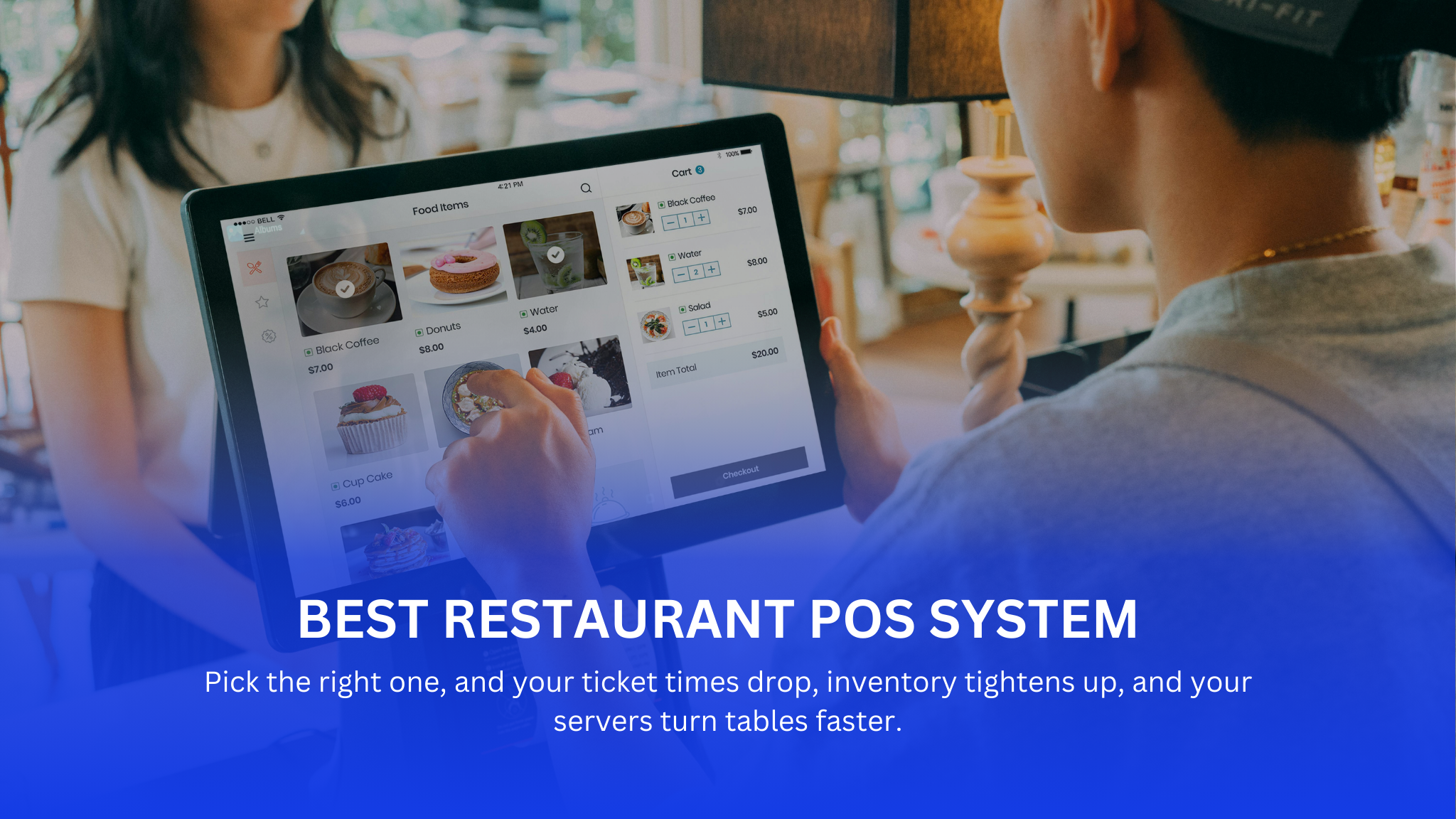
The best restaurant POS system in 2026 is one that combines fast order management, real-time reporting, offline reliability, and seamless integrations with online, phone, and drive-thru ordering. Modern AI-powered POS systems like VOICEplug go beyond traditional POS by capturing voice orders and syncing them directly with kitchen and payment workflows, reducing labor dependency and order errors.
Choosing a Restaurant POS System is high-stakes. Pick the right one, and your ticket times drop, inventory tightens up, and your servers turn tables faster. Pick the wrong one, and you’re stuck with a system that freezes when you try to split a check six ways, creating a bottleneck that backs up the entire dining room.
This guide isn’t about the shiniest features. It’s about operational reality: what actually works when the kitchen is in the weeds and the lobby is full.
A decade ago, a POS just tracked sales. Today, it has to talk to your kitchen, your accounting software, your third-party delivery tablets, and your online ordering page—all without lagging.
A modern restaurant POS system in 2026 is a centralized platform that manages orders, payments, inventory, reporting, and customer interactions across dine-in, takeout, delivery, phone, and drive-thru channels. AI-powered Restaurant POS system like VOICEplug extend this further by using voice technology to take orders automatically and send them directly to the kitchen and POS without staff involvement.
We’ve moved away from the clunky, server in the back office systems. Legacy systems were notorious for crashing and requiring expensive visits from technicians.
The shift to cloud-based systems changed the game. Now, if your internet goes down, a good system goes into “offline mode” and keeps running. You can update menu prices from your phone while you’re not even at the restaurant. It’s about flexibility and survival.
Sticking with a legacy system “because it ain’t broke” is a dangerous mindset. Old systems are slow. In a QSR drive-thru, seconds matter. If your screen takes 5 seconds to load the modifier page for a burger, that line isn’t moving.
Operators hate replacing hardware, but keeping old tech costs you more in the long run.
There is no “one size fits all.” A coffee shop needs speed; a steakhouse needs course management.
The standard for 2026. The heavy lifting is done on remote servers.
Handhelds are changing the floor. If you run a busy patio or a large dining room, handhelds prevent the “server huddle” around a fixed terminal.
These are the dinosaurs, but they still exist for specific reasons—usually in massive venues like stadiums or casinos where security and internal network control are paramount. For 99% of independent operators, these are overkill and overpriced.
| Feature | Traditional POS | AI-Powered POS (VOICEplug) |
| Order Entry | Manual by staff | Voice-driven and manual |
| Phone Orders | Staff answered | AI answers and enters orders |
| Drive-Thru | Staff dependent | Voice AI assisted |
| Kitchen Integration | Yes | Yes |
| Labor Efficiency | Limited | High |
| Scalability | Moderate | Strong |
Don’t get distracted by bells and whistles. Focus on the tools that help your staff survive a Friday night.
Can the system handle a half-pepperoni, half-cheese pizza with extra sauce on the side? Can it split a check by seat number effortlessly?
Your POS needs to handle the complexity of your menu without confusing the kitchen. It also needs to funnel all orders—dine-in, takeout, delivery—into a single queue so the expo doesn’t get overwhelmed.
Friction at payment is annoying. Your system must handle EMV chips, contactless (Apple/Google Pay), and split payments quickly.
Real inventory management isn’t just counting boxes. It’s recipe costing. A good POS subtracts 4 ounces of vodka from inventory every time a martini is sold. It alerts you before you run out, saving you from the 86 list during a rush.
You need answers, not just spreadsheets.
Once you have the basics, look at tools that improve workflow.
Third-party apps take a huge commission. Your POS should have a native online ordering system where you keep the customer data and the profit margin. It should print directly to the kitchen—no tablets, no re-entry.
Paper tickets get lost. They get greasy. They fall on the floor.
A KDS screens orders, tracks how long a ticket has been open, and can route specific items to specific stations. It creates accountability in the kitchen.
Integrated scheduling prevents “buddy punching” (clocking in for a friend). It also allows you to enforce labor budgets. If you are projected to do $2,000 in sales, the system can warn you if you have too many servers clocked in.
Voice ordering is no longer an add-on. In 2026, it is becoming a core POS capability. AI-powered Restaurant POS systems like VOICEplug allow customers to place orders via phone, drive-thru, or kiosks using natural speech. These orders are processed inside the POS system, routed to the kitchen, and included in sales and inventory reports automatically.
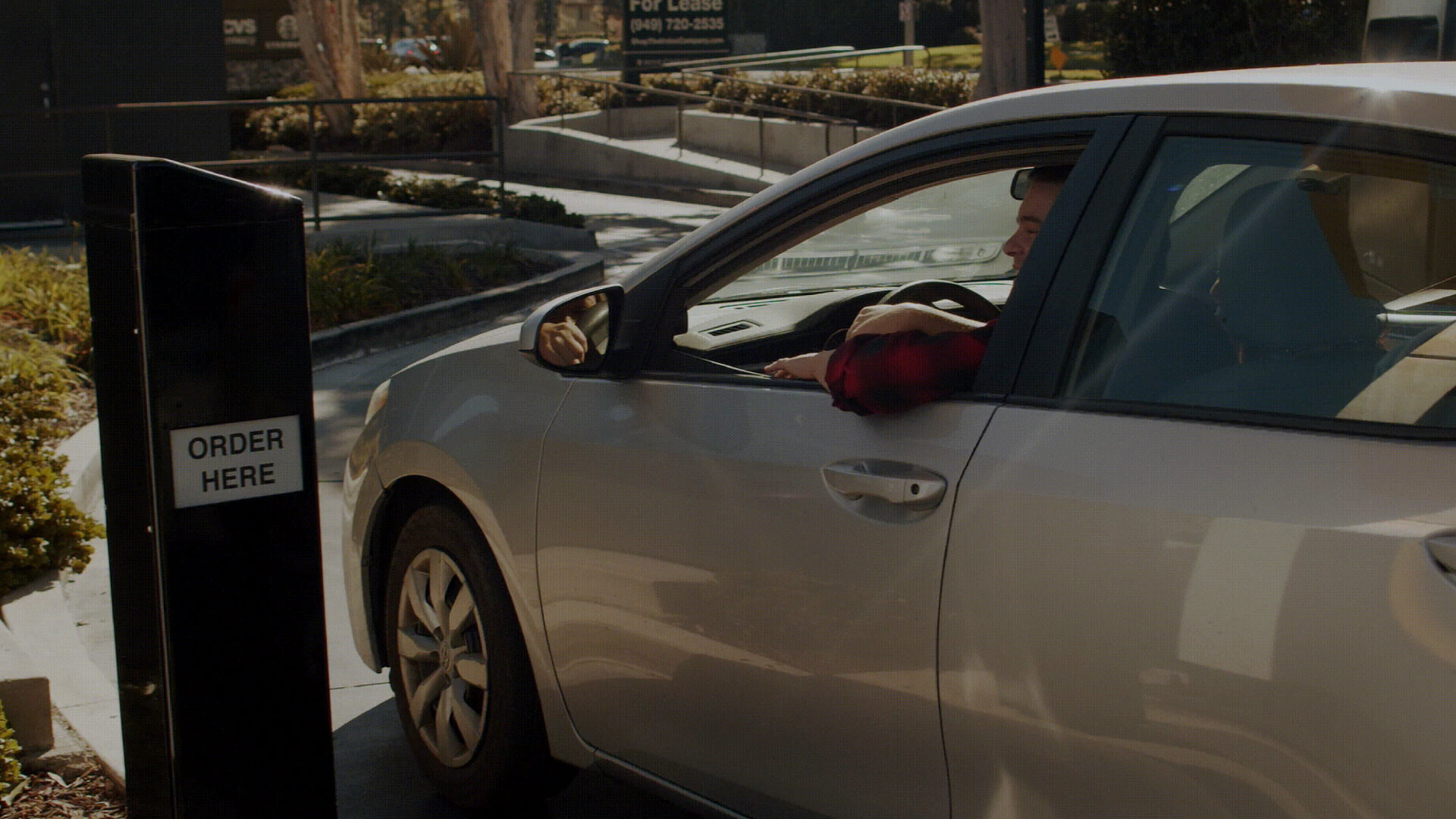
Every button press counts. You need a layout that minimizes screens. Drive-thru logic is essential—can you park an order? Can you recall it easily? The integration with headset systems and drive-thru timers is critical here.
You need table mapping, course firing (appetizers first, entrees later), and sophisticated check splitting. The system needs to support the rhythm of a meal, not just the transaction.
Bartenders need “fast bar” modes where they can ring up a vodka soda in two taps. Pre-authorization of credit cards (starting a tab) is mandatory to prevent walkouts.
You need hardware that can run on 4G/5G and battery power. It has to be durable enough to handle heat, grease, and movement.
Software is important, but hardware takes the physical beating.
Mix and match usually works best. Fixed terminals for the bar and counter; handhelds for the floor. If you force servers to use handhelds for everything, they might lose eye contact with guests. Use them for ordering, but perhaps keep a fixed terminal for managing complex checks.
Choosing the Best Restaurant POS System in 2026 means looking beyond basic transactions. The right POS should manage orders from every channel, provide real-time insights, stay online during outages, and reduce dependency on staff. AI-powered Restaurant POS systems like VOICEplug represent the next step by combining core POS functionality with voice-driven automation.
Ask for a trial. better yet, go to a restaurant that uses the system you are considering. Buy a beer, watch the bartender use it. Ask the server if they hate it.
The “best” system is the one your staff can learn in 15 minutes and that doesn’t crash on Mother’s Day. Focus on reliability and support first; everything else is secondary.
The Best Restaurant POS System in 2026 is one that supports fast service, real-time data, offline mode, and multiple order channels including voice, online, and drive-thru. AI-powered POS platforms like VOICEplug are ideal for restaurants aiming to reduce staffing pressure and increase order accuracy.
List your three biggest pain points (e.g., “splitting checks takes too long,” “inventory is a mess,” “delivery orders are chaotic”). Choose the system that solves those specific problems best.
Real-time data access from home, automatic updates, and better integration with third-party apps like VOICEplug.
Yes, and you should. Integrated online ordering saves labor and reduces order entry errors.
Offline mode (crucial for internet outages), menu management, and robust reporting.


VoicePlug’s conversational AI now integrated with Qu to enable intuitive voice ordering across phones and drive-thrus.Palo Alto, CA…
Learn More
A Restaurant Owner and Manager’s Guide to Leverage Customer Feedback Management for Growth As a restaurant owner or…
Learn More
Opening a restaurant in Texas isn’t about passion.It’s about precision. Every year, thousands of restaurants launch across the…
Learn More
Most restaurants don’t fail because of bad food.They struggle because demand isn’t consistent. Every year, restaurants face periods…
Learn More