4 min read

VoicePlug’s conversational AI now integrated with Qu to enable intuitive voice ordering across phones and drive-thrus.Palo Alto, CA…
Learn More
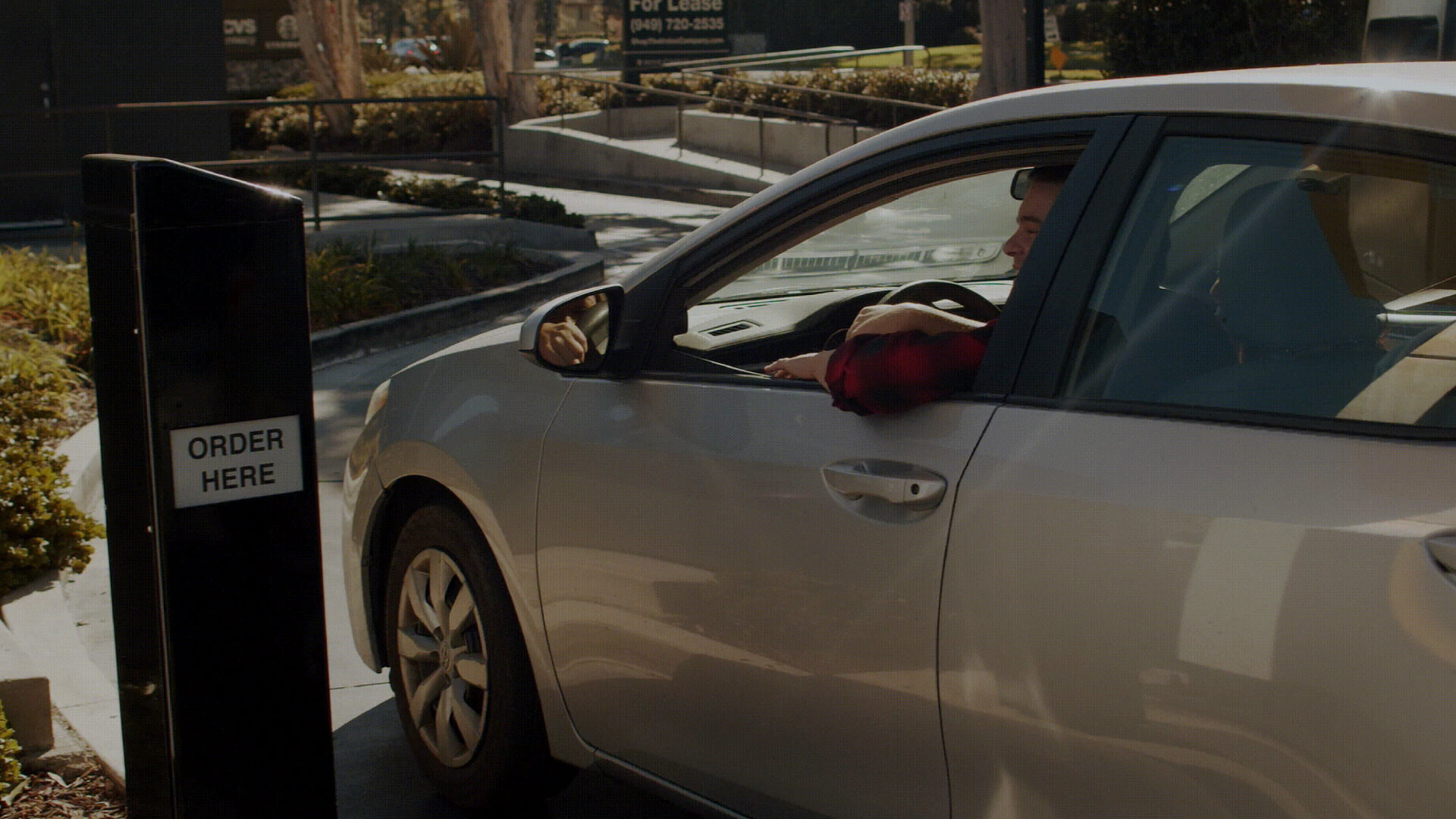
Running a high-volume restaurant in 2026 means managing more order channels than ever. Between the drive-thru, walk-ins, and a ringing phone, the pressure on your staff is constant. To keep margins healthy and service fast, operators are moving away from manual entry and looking toward automated systems that can handle the volume.
Automating the order-taking process isn’t about replacing your team; it’s about giving them air. When the lunch rush hits, a misheard order or a missed phone call is a direct hit to your bottom line. This guide looks at how automated order management handles the routine work so your kitchen can focus on the food.
By shifting to these systems, you reduce the “human error” that happens when a server is rushed. You get faster throughput in the drive-thru and a more consistent experience for every customer who calls in.
The way restaurants take orders has changed. We’ve moved from handwritten tickets to POS touchscreens, and now to voice-activated systems. This shift is driven by a simple reality: customers want speed, and operators need accuracy.
In the past, every order required a staff member to stop what they were doing, listen, and type. During a Friday night rush, this leads to typos, forgotten “no onion” requests, and long wait times. As volume grows, this manual bottleneck becomes the biggest hurdle to growth.
Modern systems now handle the initial data entry. They listen to the customer, confirm the order, and send it straight to the KDS (Kitchen Display System). This lets your team stay on the line or at the window instead of being tied to a phone or a terminal.
Standard POS systems are passive. They wait for a human to input data. They can’t answer a phone at 7:00 PM on a Saturday, and they can’t help a driver who is waiting at a silent speaker box.
Traditional systems also lack the ability to suggest upsells consistently or manage flow based on kitchen capacity. Operators need tools that do more than just record a transaction; they need tools that manage the intake.
Transitioning to an automated system starts with the basics. You need a setup that is reliable during a power surge and simple enough for a new hire to understand.
Think of the AI as a digital team member. It uses logic to understand common menu substitutions and regional accents. If a customer asks for a “number three, no pickles, extra napkins,” the system recognizes those specific requirements and routes them correctly.
This isn’t just about recording speech. The system understands the intent behind the order. It finds the fastest way to get that information to the kitchen, so the line isn’t waiting on a staff member to finish a conversation.
Your order management software must talk to your existing hardware. A good system plugs directly into your POS (like Toast, Aloha, or Brink) to keep your sales data and inventory accurate.
When the front-end order taker is synced with the kitchen, everything moves faster. It prevents the “lost ticket” syndrome and ensures that the inventory levels updated in your back-office reflect what was actually sold.
Getting the order right at the start saves money. Automated systems check for common mistakes-like an address that doesn’t exist for a delivery or a menu item that’s currently marked as out of stock.
By catching these errors at the point of sale, you avoid the cost of remaking a meal or sending a driver to the wrong house. This focus on “clean” data keeps the kitchen running smoothly.
Moving to an automated system is a major shift for any kitchen. It requires a clear plan to ensure that the transition doesn’t disrupt your daily service.
Start by looking at where your orders get stuck. Is the phone ringing off the hook during the dinner peak? Is the drive-thru line backing up because of slow order-taking? Identifying these bottlenecks tells you exactly where automation will have the most impact.
You don’t want to replace your entire POS. Look for a solution that integrates with what you already have. It should be able to handle high volumes of data and have a proven track record in high-traffic environments.
Once the platform is in place, you need to tell it how you run your shop. This includes setting your “86” list (out of stock items), defining your delivery radius, and setting up automated upselling-like asking if they want to make it a large meal.
The tech works best when the staff understands it. Teach your team that the AI is there to handle the “order-taking,” which frees them up to handle “hospitality” and “fulfillment.” When the crew sees that they no longer have to juggle the phone and the counter, they’ll buy into the system.
Predictive tools change how you manage your walk-in cooler. It’s about moving from “guessing” what you need to “knowing” based on actual order patterns.
Accurate forecasting is essential for daily prep. Automated systems look at your past Tuesday lunch rushes and current trends to help you decide how much prep is actually needed. This prevents food waste and ensures you don’t run out of your best-sellers by 1:00 PM.
If you run out of wings, you need that reflected everywhere-online, at the kiosk, and on the phone-instantly. Automated systems sync your inventory across all channels. This stops you from selling items you don’t have, which is one of the quickest ways to lose a customer’s trust.
Improving the kitchen workflow starts with removing the friction of manual communication.
A customer’s experience is defined by whether they got what they asked for, on time.
Customers today expect to know exactly when their food will be ready. Automated systems can send a simple text when an order is received and another when it’s bagged. This reduces the “where is my food” calls that tie up your staff.
Trust is built through repetition. If a customer knows their order will be 100% correct every time they use the drive-thru, they’ll keep coming back. Lowering the error rate in the kitchen directly increases customer loyalty and protects your brand’s reputation.
There are always hurdles when bringing new tech into a kitchen. Addressing them early makes the process easier.
The biggest fear is that the “new thing” won’t talk to the “old thing.” Using robust APIs ensures that your order data flows into your accounting and labor software without a hitch.
Staff might worry that automation means fewer hours. Frame it differently: it’s about making the hours they do work less stressful. When the “grunt work” of data entry is handled, the team can focus on getting orders out the window faster, which often leads to better tips and a more manageable shift.
To see if the system is working, you need to watch the numbers that actually matter to a restaurant owner.
Compare your labor costs and food waste before and after implementation. You’ll likely find that you can handle higher order volumes without increasing your head count, and your food waste will drop because the prep lists are more accurate.
Success in the restaurant industry today requires a balance of speed and precision. Implementing automated order management isn’t a “futuristic” move; it’s a practical necessity for staying competitive.
By using systems that integrate with your existing POS, you can reduce errors, lower stress on your kitchen staff, and ensure your customers get exactly what they paid for. Start by looking at your busiest hour and asking yourself how much smoother it would go if your team didn’t have to worry about the order-taking itself.
Operational Takeaway: Focus on the bottleneck. If you solve the order intake problem through AI Restaurant Ordering System, the rest of the kitchen will naturally follow suit.
A traditional POS is just a cash register. An automated system like Phone AI actively takes the order from the customer (via voice or digital interface) and inputs it for you, acting as an extra staff member.
Modern systems are built to handle noisy environments like drive-thrus and can understand various accents and menu-specific slang much better than older voice systems.
Yes. Because it is synced with your POS, the system can be programmed to stop selling an item the moment your inventory hits zero, preventing frustrated customers.
Most systems can be integrated with your current POS in a matter of weeks, depending on the complexity of your menu and the number of locations.


VoicePlug’s conversational AI now integrated with Qu to enable intuitive voice ordering across phones and drive-thrus.Palo Alto, CA…
Learn More
If you run a restaurant on Toast and you’ve gone looking for AI phone answering, you’ve already found…
Learn More
California restaurants are automating the phone channel faster than operators in most other states, and the reason isn’t…
Learn More
Most guidance on AI reservation booking stops at the point of purchase. Pick a vendor, connect the system,…
Learn More