4 min read

VoicePlug’s conversational AI now integrated with Qu to enable intuitive voice ordering across phones and drive-thrus.Palo Alto, CA…
Learn More
Managing a kitchen during a Friday night rush comes down to clear communication. When the dining room is full, the drive-thru line is backed up, and online orders are printing simultaneously, paper tickets quickly become a liability. Tickets get lost, grease stains make handwriting unreadable, and the line loses track of modifications.
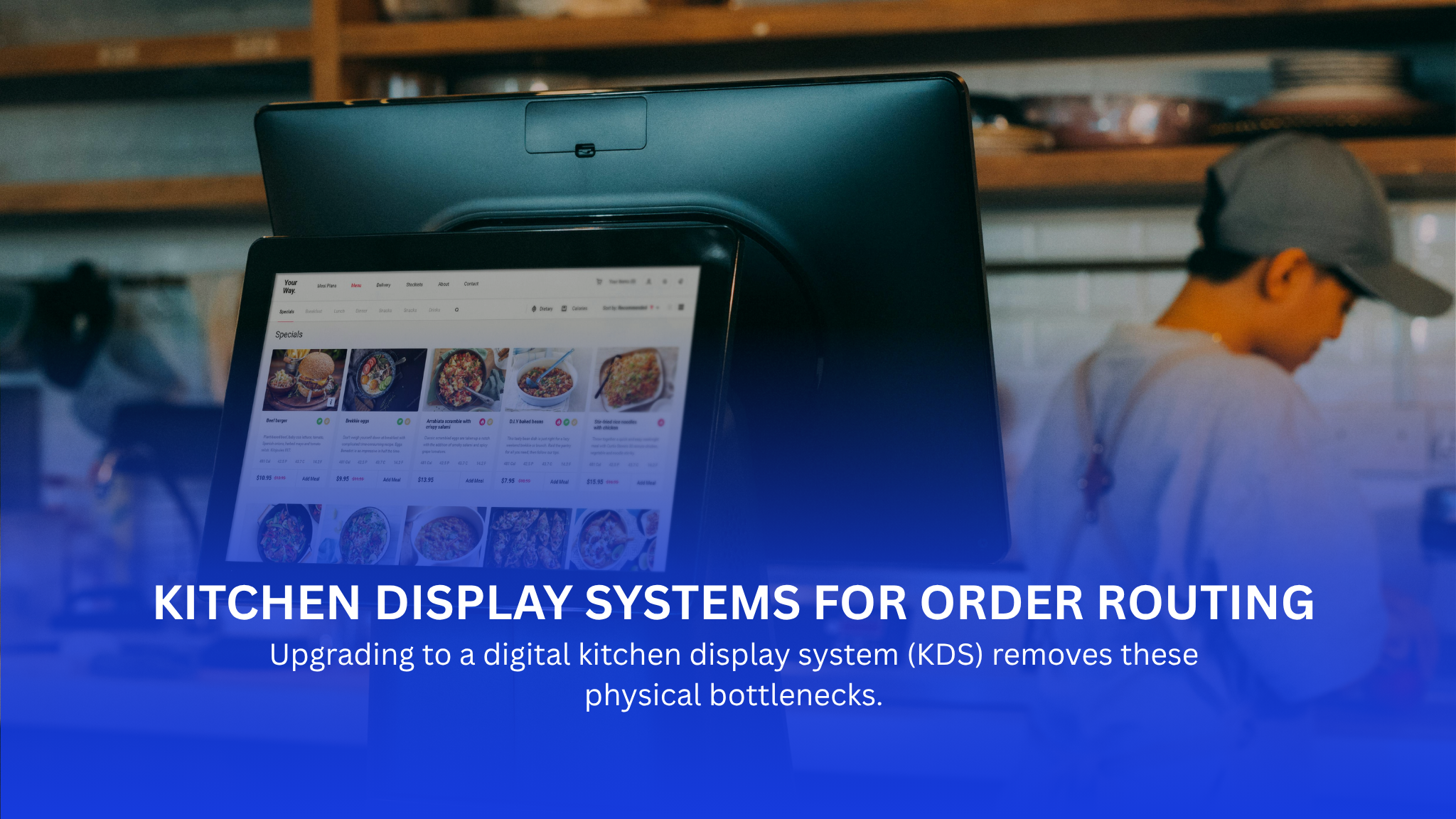
Upgrading to a digital kitchen display system (KDS) removes these physical bottlenecks. A proper routing setup sends the right items to the right stations instantly, reducing ticket times and keeping the line organized when volume peaks.
For decades, the standard for back-of-house communication was the ticket wheel and a noisy impact printer. Line cooks relied on physical slips of paper to track what to prep, grill, and plate. While this system worked for simpler times, modern multi-channel ordering exposes its limits. A lost ticket means a table waits forty minutes for their food, while a misplaced modification results in a sent-back dish and wasted inventory.
Digital screens replace the clutter of paper slips with clear, real-time data. Instead of a line cook shouting orders over the hiss of the grill, the screen routes items directly to the specific station responsible for them—whether that is the fry station, the grill, or the expo line.
Switching from paper printers to a dedicated KDS changes the daily workflow for your line cooks and expeditors. It eliminates the guesswork of messy handwriting and ensures that modifications—like allergies or substitutions—are highly visible.
A modern display gives management an accurate look at kitchen throughput. Because the system tracks when an order is received and when it is bumped, you can look at the data after a shift to pinpoint exactly where the line stalled.
| KDS Platform | Best Suited For | Key Operational Strength |
| Toast KDS | Existing Toast POS Users | Seamless hardware sync and off-premise channel management |
| Square KDS | Small to Mid-Sized Operators | Low hardware barrier; runs reliably on standard iPads |
| Lightspeed KDS | High-Volume, Complex Kitchens | Robust multi-station routing for heavy modification loads |
| Oracle MICROS | Enterprise & Multi-Unit Chains | Enterprise-grade durability and centralized corporate control |
| Clover KDS | Counter-Service & Hybrid Cafes | Flexible screen configurations for tight kitchen layouts |
| TouchBistro KDS | Full-Service Dining Rooms | Built-in coursing pacing to manage multi-course meals |
For operations already utilizing the Toast ecosystem, Toast KDS functions as a natural extension of the front-of-house hardware. It eliminates the need for third-party middleware, meaning handheld tablets used at the table talk directly to the kitchen screens without delay.
The software excels at managing high volumes of off-premise orders alongside dine-in guests. When a digital order comes in via your Phone or a delivery app, the AI Phone Answering System automatically parses the ticket and sends the items to their designated stations immediately.
Square KDS is highly practical for independent concepts, food trucks, and smaller counter-service spots. It avoids the steep learning curve and high upfront costs associated with enterprise setups, allowing teams to get up and running quickly.
The interface runs on standard iPads, making it easily replaceable if a screen gets damaged. It aggregates both walk-up orders and online tickets into a single view, which prevents smaller kitchen staffs from being overwhelmed by multiple order sources.
Commercial kitchens running at high volumes need a system that can handle rapid, complex order modifications without freezing or lagging. Lightspeed KDS is built for these demanding environments, ensuring that fast-paced assembly lines remain synchronized.
When a guest requests heavy modifications—such as swapping sides, altering ingredients, or flagging severe allergies—Lightspeed displays these changes prominently. This prevents the line from making assumptions or relying on verbal call-outs during peak hours.
Multi-unit operators and enterprise franchises require standardization across dozens or hundreds of locations. The Oracle MICROS KDS is engineered for this level of scale, providing heavy-duty hardware and deeply customizable routing logic that can handle massive throughput.
The system allows corporate culinary directors to push out standardized prep workflows across the entire brand. It ensures that whether a customer walks into a location in New York or Chicago, the kitchen follows the exact same station routing logic.
Operational Note: Enterprise systems require a larger upfront configuration investment, but they provide the hardware stability and centralized reporting that high-volume franchises rely on to maintain brand consistency.
Clover KDS fits well into hybrid operations, such as a bakery that transitions into a sandwich shop at lunch, or a coffee shop with a light food menu. It bridges the gap between hardware utility and software simplicity.
The platform allows operators to customize layout profiles to match their specific physical space. If your kitchen layout changes or you add a seasonal station, the screen routing can be adjusted within the software settings without rewriting your entire network architecture.
Full-service restaurants operate differently than QSRs; timing is dictated by the pace of the table. TouchBistro KDS focuses heavily on coursing workflows, ensuring that main dishes are not sent to the line while guests are still eating their appetizers.
The software organizes tickets by seat and course, giving the kitchen staff a clear view of when to fire specific items. This level of organization prevents food from sitting under heat lamps and drying out while waiting for the rest of the table’s order to finish cooking.
Investing in a KDS requires looking past the marketing brochures and focusing on the harsh realities of commercial kitchen environments. A system that works well in a quiet office may fail quickly when exposed to the heat, grease, and moisture of a live line.
Before selecting a platform, evaluate how your current staff operates and identify the exact issues you are trying to solve. If your main bottleneck is lost delivery orders, prioritize third-party integration like VOICEplug’s AI Phone Answering System for Restaurants. If your main issue is slow ticket times on the grill, prioritize clear font sizing and durable bump bars.
A Kitchen Display System (KDS) helps eliminate the chaos of paper tickets by providing your kitchen staff with accurate, real-time order information. To streamline operations even further, pair it with VoicePlug’s AI Phone Answering System.
VoicePlug answers every customer call instantly, takes orders conversationally, and sends them directly to your POS and KDS without manual intervention. This seamless integration minimizes missed orders, improves order accuracy, keeps the kitchen running efficiently, and allows your staff to focus on preparing great food instead of managing phone calls.
1. What are the primary benefits of kitchen display systems over traditional paper tickets?
A KDS prevents tickets from getting lost, dropped, or damaged by moisture. It highlights modifications clearly on screen and routes individual items to specific prep stations instantly, reducing verbal chaos in the kitchen.
2. How does a KDS improve kitchen performance and overall restaurant operations?
It provides clear, time-stamped metrics for every order. Managers can review this data to see how long items sit at individual stations, allowing them to spot operational bottlenecks and adjust staffing levels based on real performance metrics.
3. Can I integrate a new kitchen display system with my existing POS system?
Most modern KDS options are designed to integrate directly with their parent POS platform (e.g., Toast KDS with Toast POS). Many also offer open APIs or built-in integrations to accept orders from major third-party delivery platforms.
4. What hardware is required for a commercial-grade kitchen display system?
A typical setup requires a high-resolution, heat-resistant monitor, mounting brackets that attach to your line shelving, and either a touchscreen interface or a rugged, physical bump bar that allows cooks to clear orders once completed.
5. Which KDS software is best for managing a large restaurant chain or enterprise?
Oracle MICROS is highly regarded for enterprise applications due to its centralized management architecture, heavy-duty hardware reliability, and ability to handle deeply complex routing logic across multiple concepts and locations.
6. How do real-time alerts on a kitchen screen system help the kitchen staff?
They instantly flag changes or cancellations made by servers at the table. This keeps the line from cooking items that are no longer wanted, saving on food waste and preventing ticket timing mismatches.
7. Is a kitchen order system beneficial for small restaurants and cafes?
Yes. For smaller operations with limited staff, a system like Square KDS or Clover KDS helps a single line cook manage walk-in, phone, and online orders simultaneously without needing a dedicated expeditor to sort through paper slips.
8. How does a KDS handle third-party online ordering?
A well-integrated KDS ingests third-party delivery orders directly into the central screen routing logic. This treats off-premise tickets exactly like in-house tickets, eliminating the need to have staff manually re-enter orders from separate tablets into the primary Open Source Restaurant POS.
9. What should I consider when choosing the best kitchen display systems for my business?
Prioritize the physical durability of the screens, the responsiveness of customer support during weekend hours, how easily your current team can learn the software, and whether the system integrates seamlessly with your existing point-of-sale hardware.

Jay Ruparel is a serial tech entrepreneur with a proven track record in building and scaling global technology-driven businesses. As the Co-Founder and CEO of VoicePlug Inc., he leverages his expertise in AI, machine learning, and digital transformation to drive innovation and growth. Jay is also the Co-Founder of Azure Knowledge Corporation and has received the EY Entrepreneur of the Year award. Outside of his professional endeavors, Jay mentors startups and serves as an advisor to various organizations.


VoicePlug’s conversational AI now integrated with Qu to enable intuitive voice ordering across phones and drive-thrus.Palo Alto, CA…
Learn More
If you run a restaurant on Toast and you’ve gone looking for AI phone answering, you’ve already found…
Learn More
California restaurants are automating the phone channel faster than operators in most other states, and the reason isn’t…
Learn More
Most guidance on AI reservation booking stops at the point of purchase. Pick a vendor, connect the system,…
Learn More